

.jpg)
Monday, April 15, 2024
04-05-2024 Release Notes
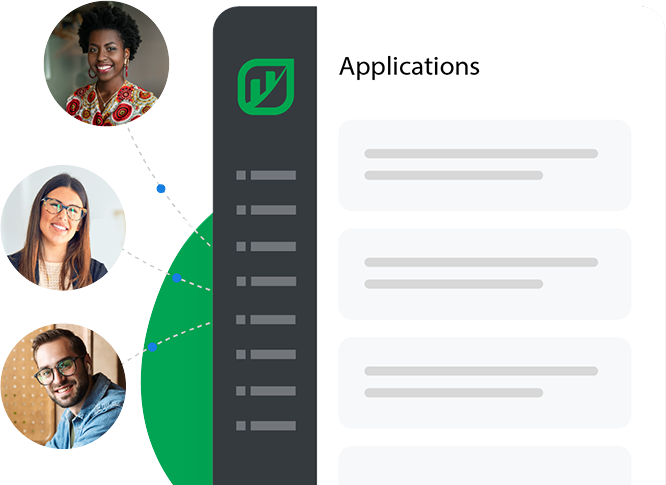
New Highlighted Features and EnhancementsNEW - Applicant PortalThis enhancement is part of our ongoing commitment to providing a seamless and efficien...
Rentvine transforms property management companies by strengthening their relationships with their customers.
I’m ready for a demo. Sign me up!

Our mission is to provide superior property management software that: CUSTOMERS recommend to their peers, EMPLOYEES are proud of, and provides long-term value to the PROPERTY MANAGEMENT COMMUNITY.
Play VideoOpen API, free maintenance, free eSignatures, free future updates at no extra cost. No hidden fees. No Surprises. Full software access. Your life just got easier.
Rentvine's all-inclusive per-unit pricing, includes powerful Reporting Capabilities, Inbound ACH Fees, Premium Integrations, Purchase Order & Tracking, NACHA Files, Dedicated Customer Support, Custom Fields…and so much more.
Per unit per month. $199/mo minimum.
Additional fees for tenant screening and transactions may apply.
Over the last several years the property management community has expressed a desperate need for a software that works for them, not against them. A software that grows with them, not limits their capabilities. A software that is simple to use, exceptionally fast, customizable, undoubtedly reliable, and most importantly, backed with world-class support. We created Rentvine to be the most flexible property management software you will ever use.
Exactly replicate any document online, including your lease, and get signatures instantly.
Learn More >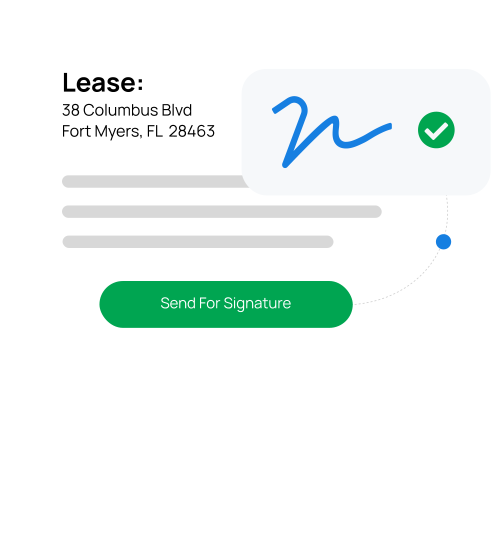
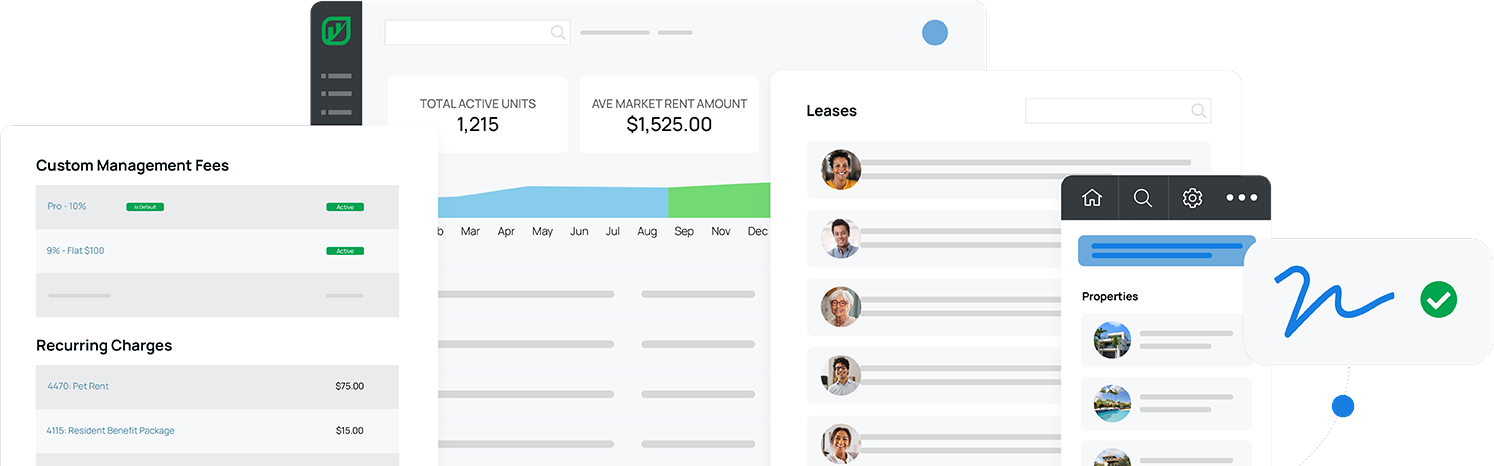
No need to enter information multiple times every time you set up a property, portfolio or lease. Save hours each month!
Learn More >The Manager’s Ledger instantly and automatically separates manager money from client money. You’ll wonder how you ever lived without it.
Learn More >Our customers LOVE how Rentvine has transformed how they run their property management business!
Schedule a DemoIt’s never been easier to market your rental vacancies to all of the right places.
Exactly replicate any document online, including your lease, and get signatures instantly.
Rentvine allows you to create any report, about any custom field, throughout all of your data.
Get the highest performing property management website in the industry built to seamlessly integrate with Rentvine.
We combine a secure, online rental application with flexible screening options.
Schedule, get estimates, upload invoices, and pay vendors quickly and easily.
Rentvine is the only property management software that allows you to create multiple, custom owner statements.

