Short on time? Get the quick version.



Improve maintenance scheduling with the Rentvine calendar feature
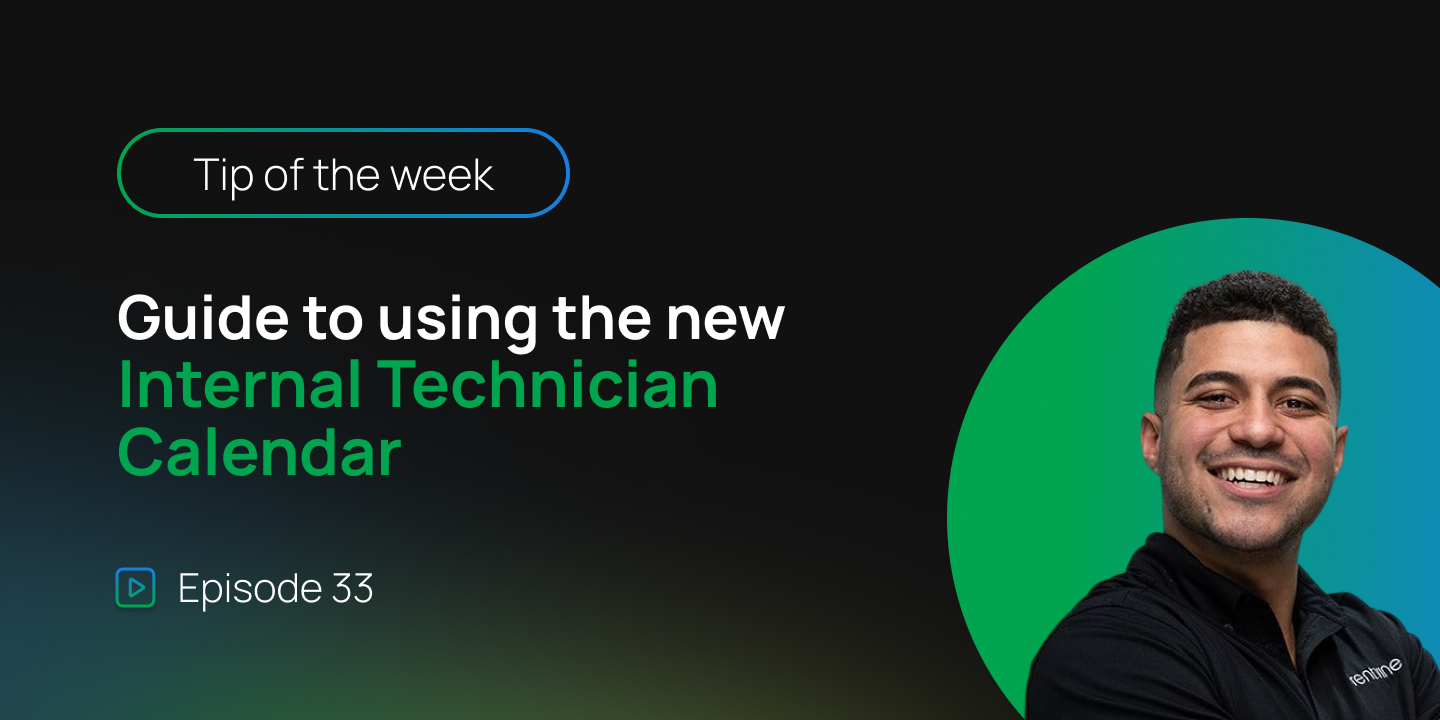
At Rentvine, we continue to build tools that simplify daily operations for property managers. In this week’s Rentvine Academy video, Sales Engineer Cristian Torres introduces the new internal maintenance calendar, designed to give teams a clearer view of technician schedules and work order assignments.
Watch full video:
What’s new in maintenance management
1. A centralized calendar for internal maintenance
The new maintenance calendar brings all scheduling into one place. Property managers can view internal technicians alongside their assigned work orders and see how each day is structured.
Instead of switching between work orders and technician records, everything is visible from a single interface. This allows for quicker decisions when assigning new jobs or adjusting schedules.
2. Visual scheduling and real time adjustments
The calendar allows you to schedule work orders using a visual layout. You can move tasks directly into time slots and assign them to technicians based on availability.
Each work order includes key details such as job type, location, and duration. You can open the work order, view directions through mapping tools, and make updates without leaving the calendar view.
3. Flexible time management based on your settings
Appointment durations in the calendar are tied to your maintenance settings. The time blocks you see are automatically based on your configured appointment window.
If needed, you can adjust these time blocks directly within the calendar to better match real world scheduling needs.
4. Better visibility into workload and status
The calendar highlights which work orders are open, pending, or ready to be scheduled. You can also filter by technician or date to understand how busy each team member is throughout the week.
This level of visibility helps prevent overbooking and allows property managers to balance workloads more effectively.
Why it matters
Maintenance scheduling is one of the most time sensitive parts of property management. Without a clear view of technician availability, it becomes easy to overbook or delay service requests.
The Rentvine calendar feature brings clarity and control to this process. By combining scheduling, editing, and visibility into one interface, it helps teams work more efficiently and respond faster to maintenance needs.
Video transcript
Hey Rentvine team, how are we doing today? Cristian here, and we have another video of Rentvine Academy.
If you are doing internal maintenance inside Rentvine, this feature is for you. We have just released our calendar feature.
If you go to the maintenance section and click on calendar, you can now track all your internal maintenance technicians and see where work orders are scheduled. This allows you to make better decisions when assigning jobs and understanding daily workloads.
You can view technicians, search and filter them, and switch between daily and weekly views. When selecting a work order, you can open details, view directions, and edit information directly from the calendar.
You can also drag and drop work orders into time slots to assign them quickly. Technicians will receive notifications once scheduled.
The duration of each appointment is based on your global maintenance settings, but it can be adjusted within the calendar if needed.
You can also see which work orders are open or pending, giving you better insight into your maintenance operations.
If you have any questions, contact support@rentvine.com.