Short on time? Get the quick version.



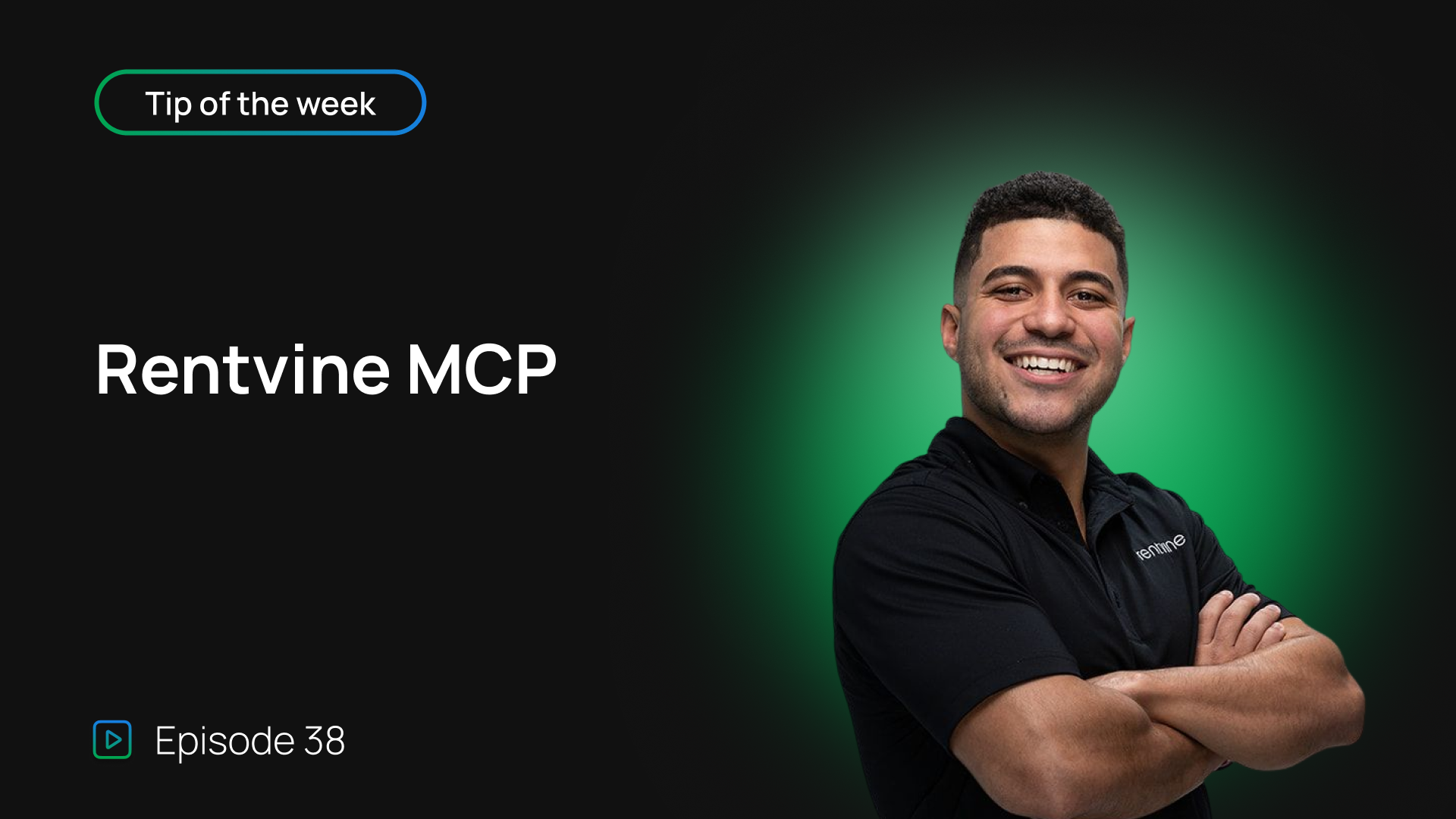
Tip of the week: connect AI to your Rentvine account with our new MCP
Rentvine has launched its own MCP, and it's a big one. Right now it's in closed beta, but it's rolling out to all customers soon. In this week's Tip of the Week, Sales Engineer Cristian Torres breaks down what an MCP actually is and shows it in action inside a live Rentvine account.
What is an MCP?
MCP stands for Model Context Protocol. In plain terms, it's the connection point between your Rentvine account and AI tools like Claude, Google Gemini, or ChatGPT. Once you connect one of those tools to Rentvine's MCP, you can talk to your data. Ask it questions, pull reports, build dashboards, or have it take action in the system on your behalf, like assigning a vendor to a work order.
What you can do with it
Cristian walks through a few real examples from his own connected account:
Pulling recent work orders and getting an instant breakdown of open, closed, and high priority items. Asking which pending work orders still need a vendor assigned, and getting an exact count back. Finding duplicate work orders across a property and cleaning them up, down to picking exactly which one to keep. Building a live maintenance dashboard on top of Rentvine data, complete with vendor routing so vendors aren't double-booked across the same area. Setting up automations, like auto-assigning a vendor whenever a plumbing work order comes in with no vendor attached, running on a schedule with no manual work needed.
Every action taken through the MCP shows up right in the work order's activity timeline, tagged by the MCP key that made the change. That means you can always trace back whether something was done by a team member, an automation, or the MCP.
Why it matters
The more specific you are with your requests, the more useful the MCP gets. It's built to hand property managers their data and let them decide what to do with it, whether that's a quick answer, a live artifact, or a running automation that saves hours every week.
Have questions about the MCP, or something you're building with it? Let us know, we'd love to hear about it.
Full transcript
Hey, Rentvine team, how's it going? And here's this tip, tip of the week for getting the most out of your Rentvine experience. So today, we are gonna be talking about the MCP. Rentvine has launched that it, it has launched its own MCP, um, and you can connect it with your Rentvine account. It is currently in a closed beta, but eventually, pretty soon, we're gonna get it open to all of our customers where they can access it and have it connected to their Rentvine account. Some of you guys may ask, "What is an MCP, Christian?" An MCP is basically where you could go ahead and connect like your Claude or Google Gemini, ChatGPT into Rentvine by accessing those endpoints. And once it's connected, you could go ahead and ha-have the AI... You could ask it anything about your Rentvine account to pull dashboards, pull reports. It could build artifacts for you, or you could just talk to it, um, and have it pull certain information for you. Or you could have it do certain things in the system back, like maybe assign a work order or get a work or-work order created. Things like along, things along those lines. So I'm just gonna go into my Claude account to show you some examples. Right here in the bottom left, you can see that's connected to Rentvine, and it says, "Can you show me recent work orders in Rentvine?" That's what I asked it, and it's like, "Here are your 25 most recent work orders." And it's giving me all the information. And it's showing me close, open, and it's telling me, "Hey, you have three high priority work orders." I also asked it, "How many work orders do I need to take action on that need a vendor assign and has been, and has been pending in the past three days?" So as you go down, it'll say 12, 12 pending work orders, no vendor assigned. Um, within the S-MCP, the more detailed you are, the better. And then from there, I could go ahead and ask it any information I want, have it pull any information I want 'cause it has access to those endpoints within Rentvine. Right? Is there any duplicated work orders in the system? I let it know these work orders are same property, same tenant submitted, et cetera. So I was going, yes, there is a significant amount of duplicates after analyzing all 200 work orders. These are the duplicates that I have. So on this property alone, I have nine work orders that look like duplicates, and then I could go ahead and tell it, "Can you delete all the work orders besides this work order number?" Or, "Can you please delete eight out of the nine duplicates and just hold the one?" And it'll go ahead and do that in real-time within the system. Also, let's say if you wanted to take it a level further and build some live artifacts, right? So instead of just speaking to it like how I'm speaking to it here, here and giving me data, which you could do, you could also build like a live artifact. So I have a full in maintenance M-CRM, MCP built that I built with rent buying data. So I have like vendor routing to make sure vendors are not in the same areas at one place, and if they are, it's gonna let me know, "Hey, you might wanna optimize this route." You have all your orders right here. Um, I even add a little bit of a dark mode and certain features. Um, I also created a scheduled, um, a scheduled automation to say any work order at this property that is in a pending status, has this specific plumbing category, and has no vendor assigned, auto-assign it to Pause Plumbing. So every hour it was running a job and reading those things and auto-assigning these vendors, which I thought was really cool. Or at any time, I could have it check and refresh, and it'll check within real-time if I wanted to. Um, so a lot of cool things within the MCP, a lot of customization. You have access to your data. You could plug it in with AI and then have it do certain automations and do certain things. That's-- those are just some examples of currently what I, what I have done. So please feel free to reach out and let us know if you have any questions regarding the MCP, and let us know if there's anything that you guys would like to see or anything that you guys are creating. Um, but even to kind of show you in the maintenance section, if I go to like activity in the timeline, it's gonna let you know, like, hey, this work order was created and it was assigned by this specific MCP key. And it'll let you know through the API connected through the MCP, so you guys could even backtrack and see how certain things were created if it was by a user, by different automation, or through the MCP, which I know a lot of people, um, in the property management industry love. So thank you guys so much for your time. Have a wonderful rest of your day, and let us know if you have any questions.